RioShot
Screenshots that explain themselves
For founders and makers who share their work online. Point things out, hide what is private, and paste it straight into your post. Free, and your image never leaves your browser.
- 1Take a screenshot
- 2Paste it here
- 3Point it out, then paste it into your post
No screenshot handy?

From "what am I looking at?" to obvious
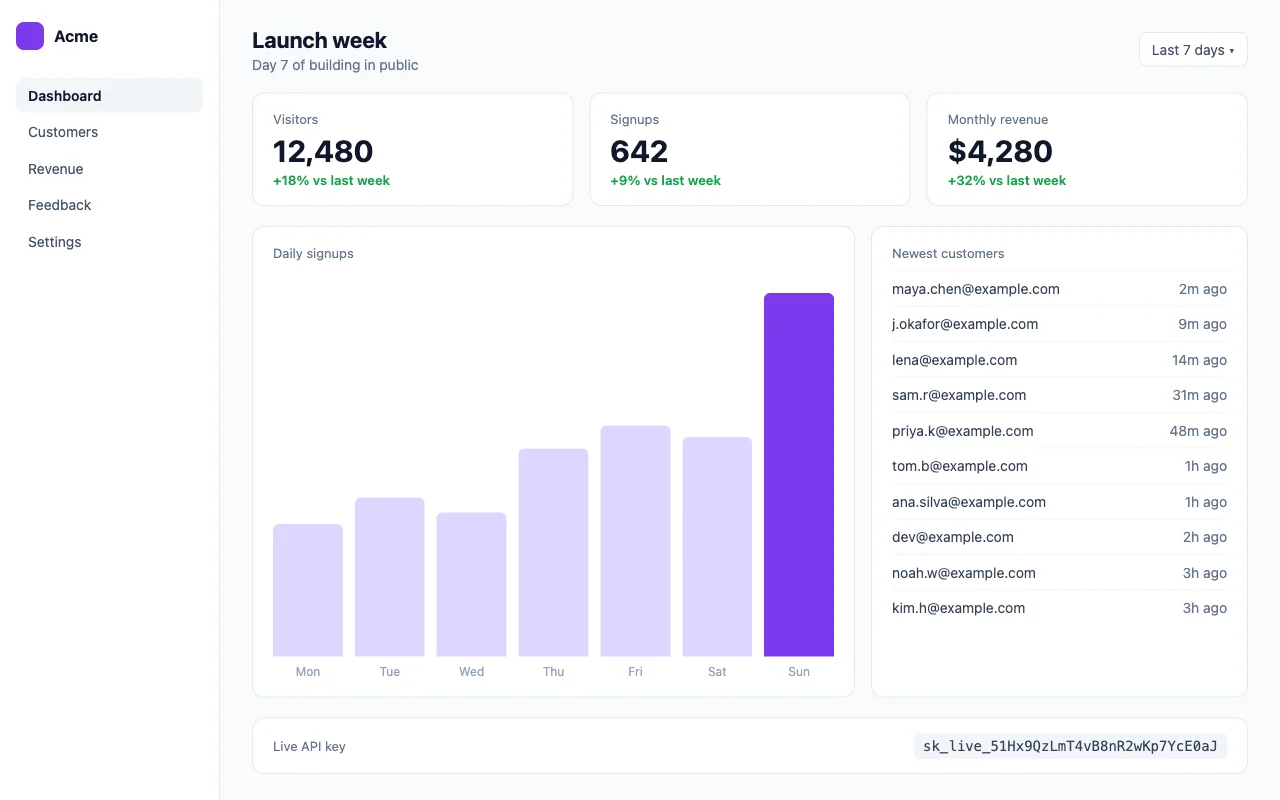
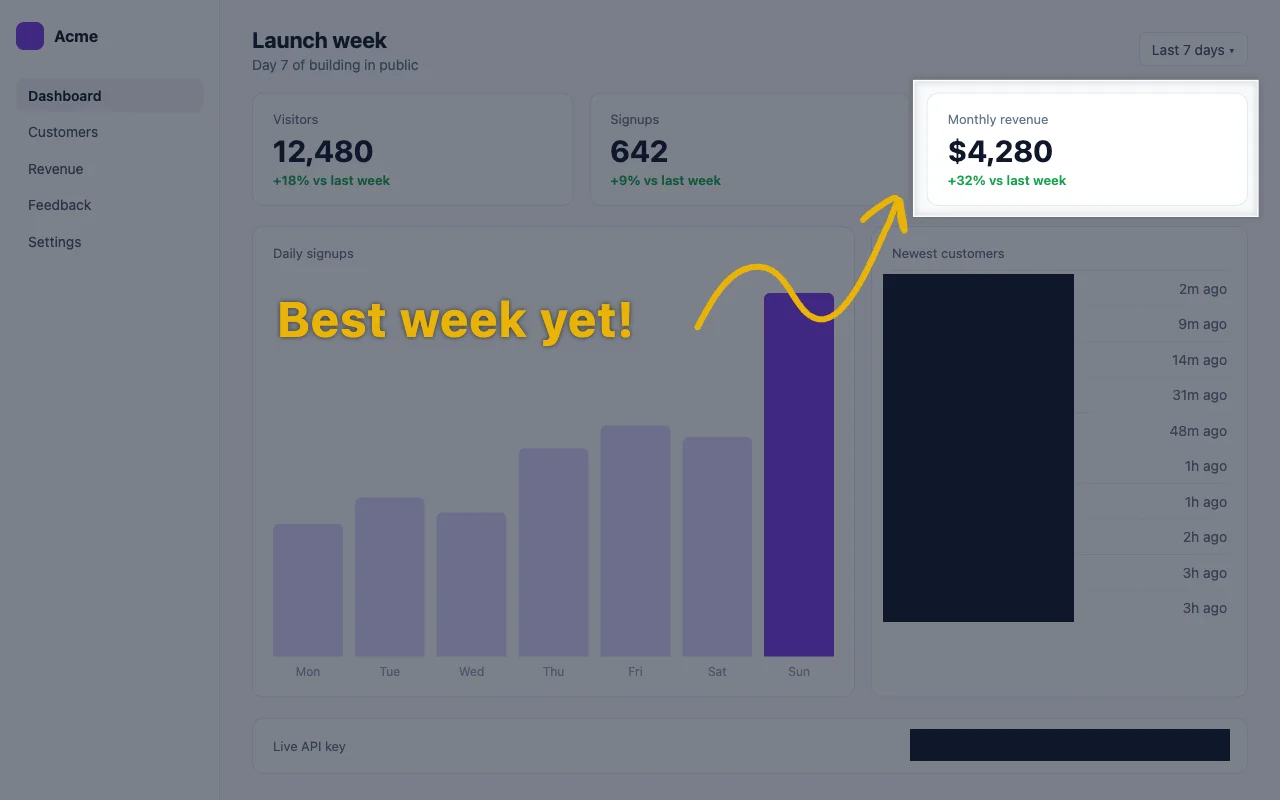
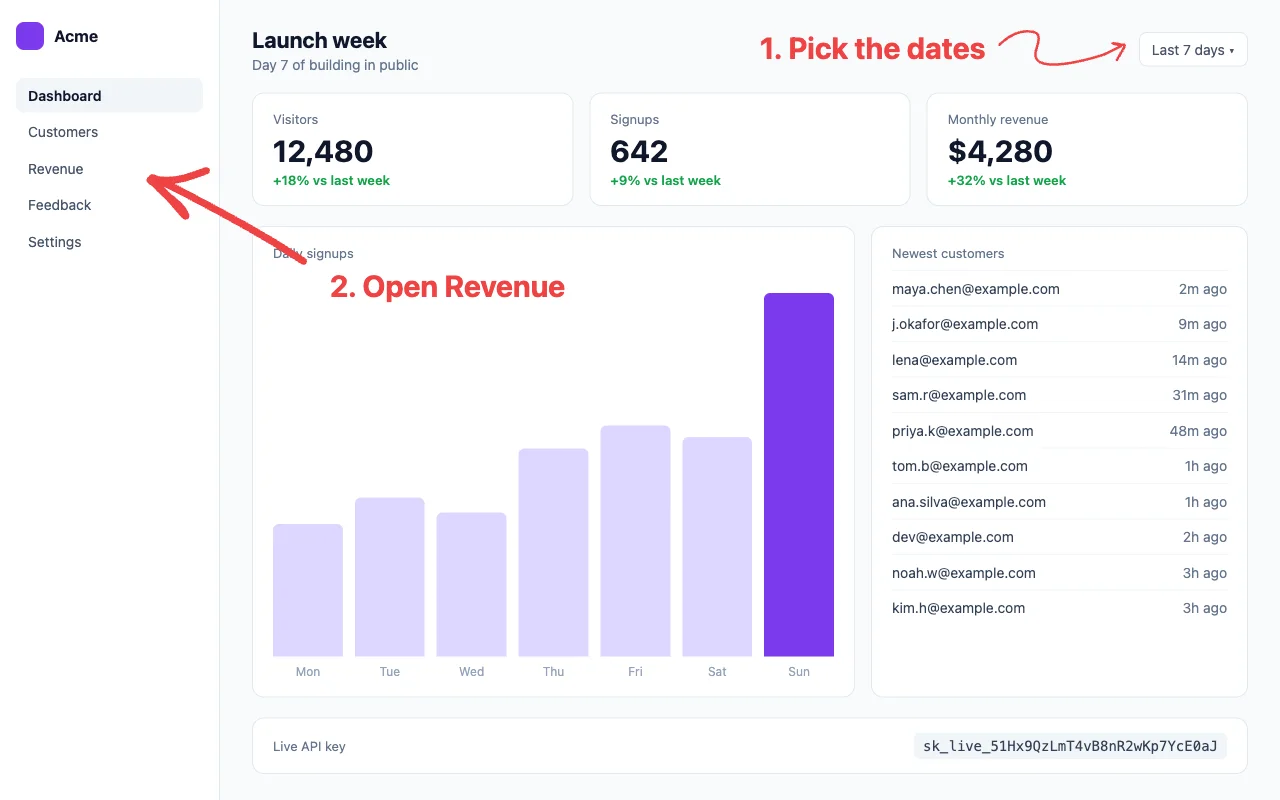
One plain screenshot, made clear in 5 different ways. Every example on the right was made with RioShot.
More examples
14 more ideas for your next post, doc or bug report, all from the same screenshot. Click one to see it large.
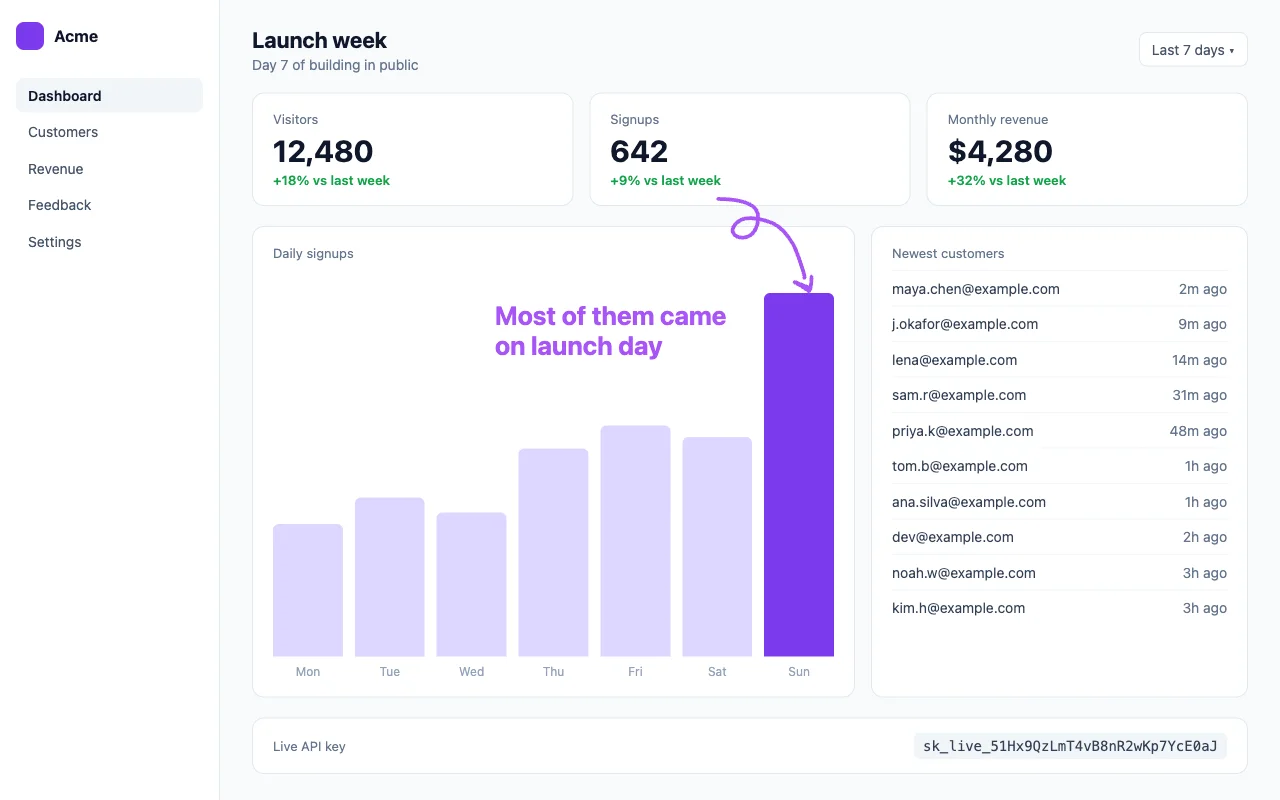
Everything you need to point things out
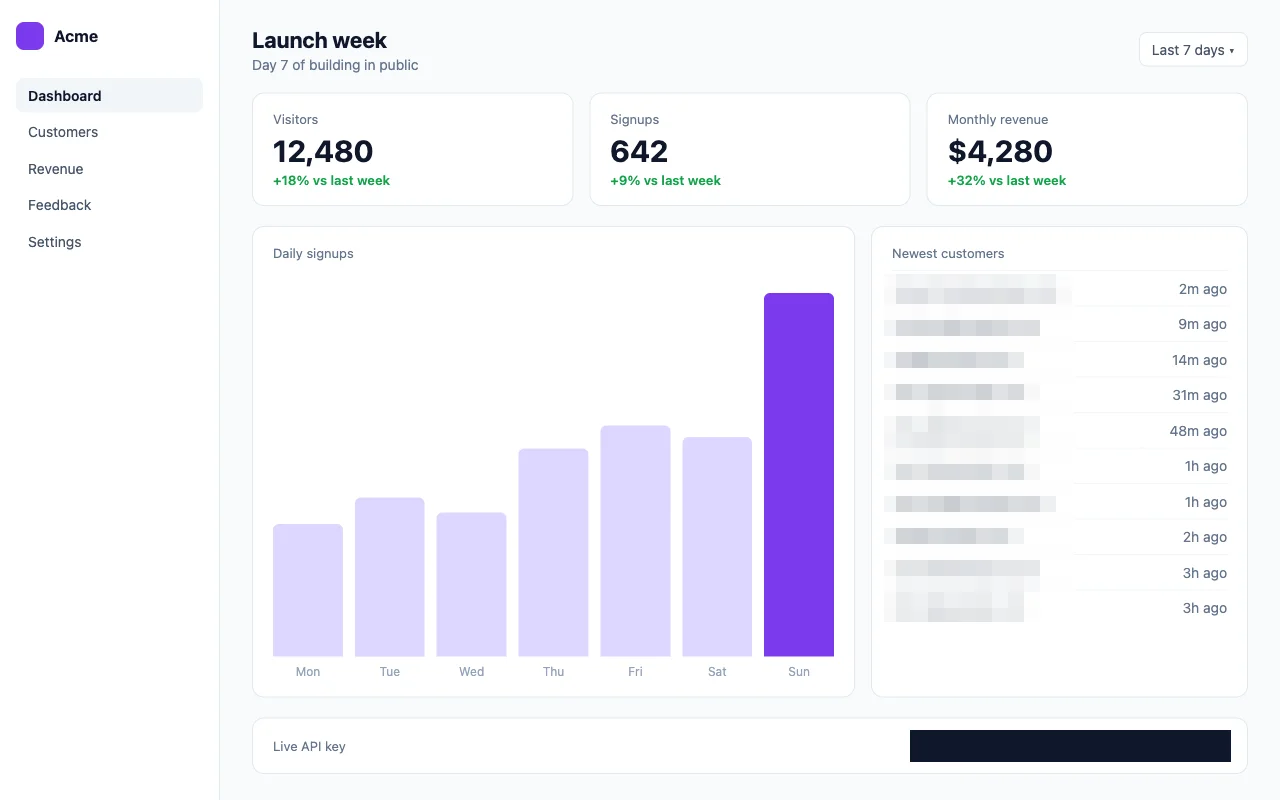
Blur part of a screenshot
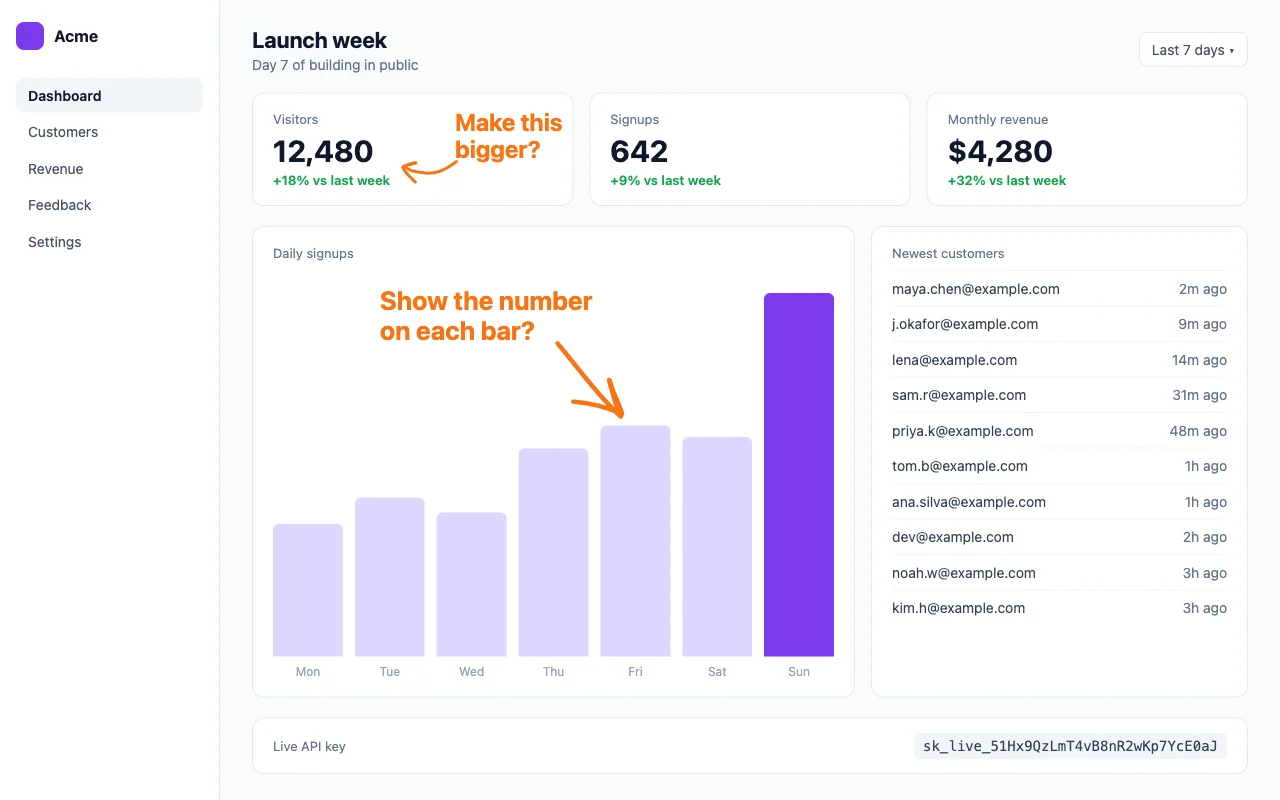
Blur names, emails and faces before you share.
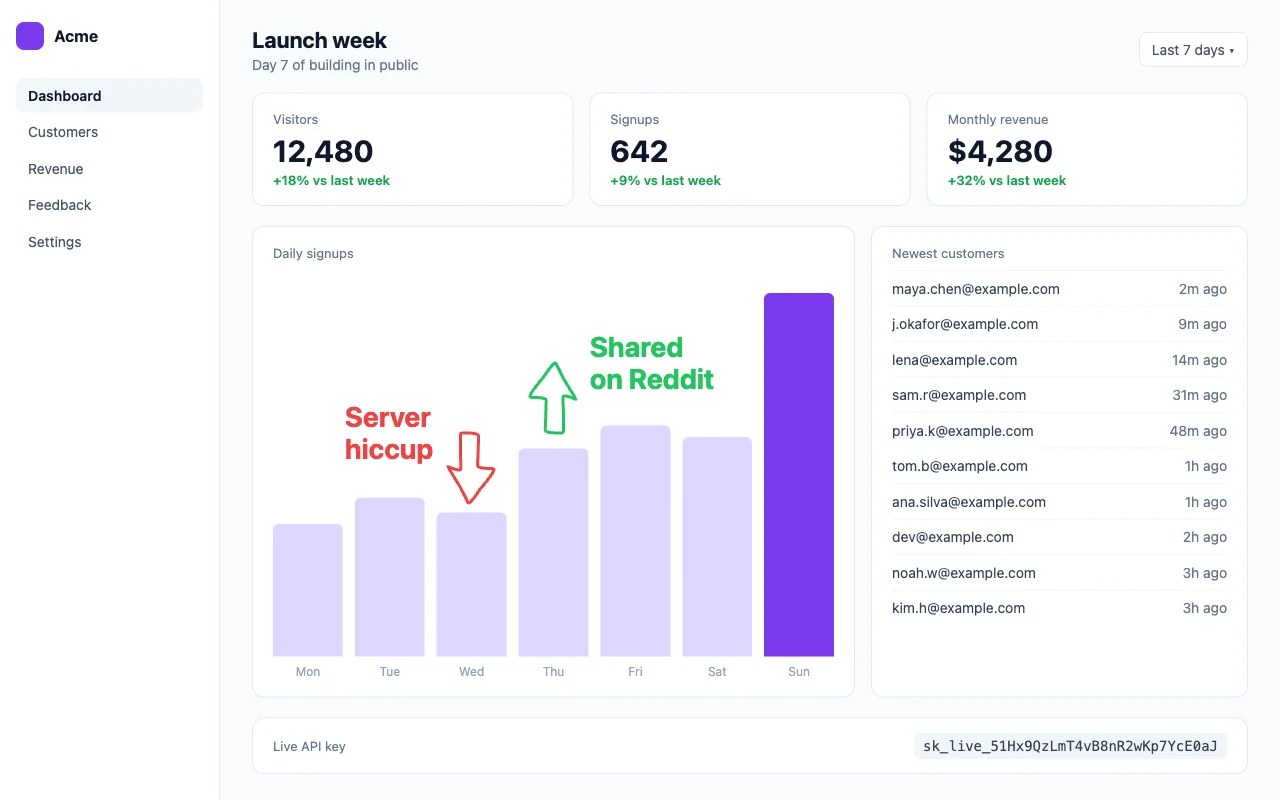
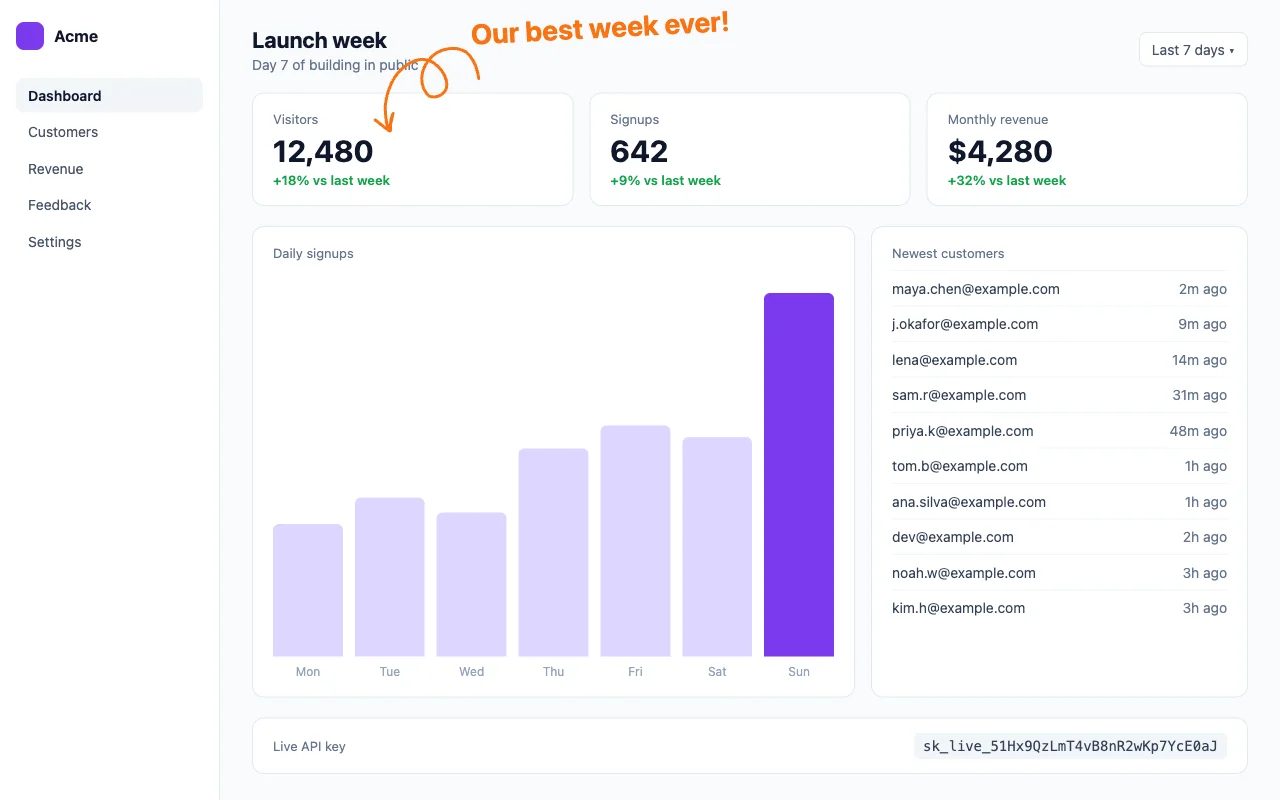
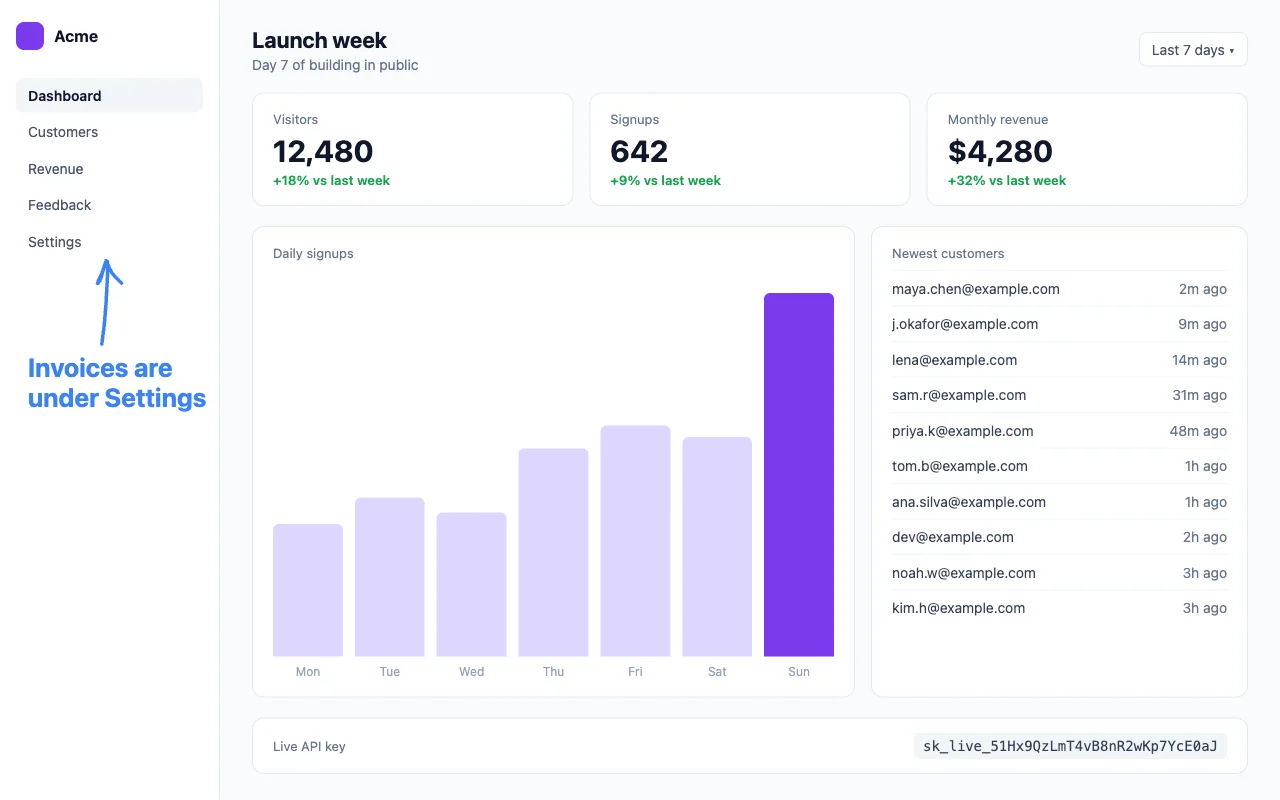
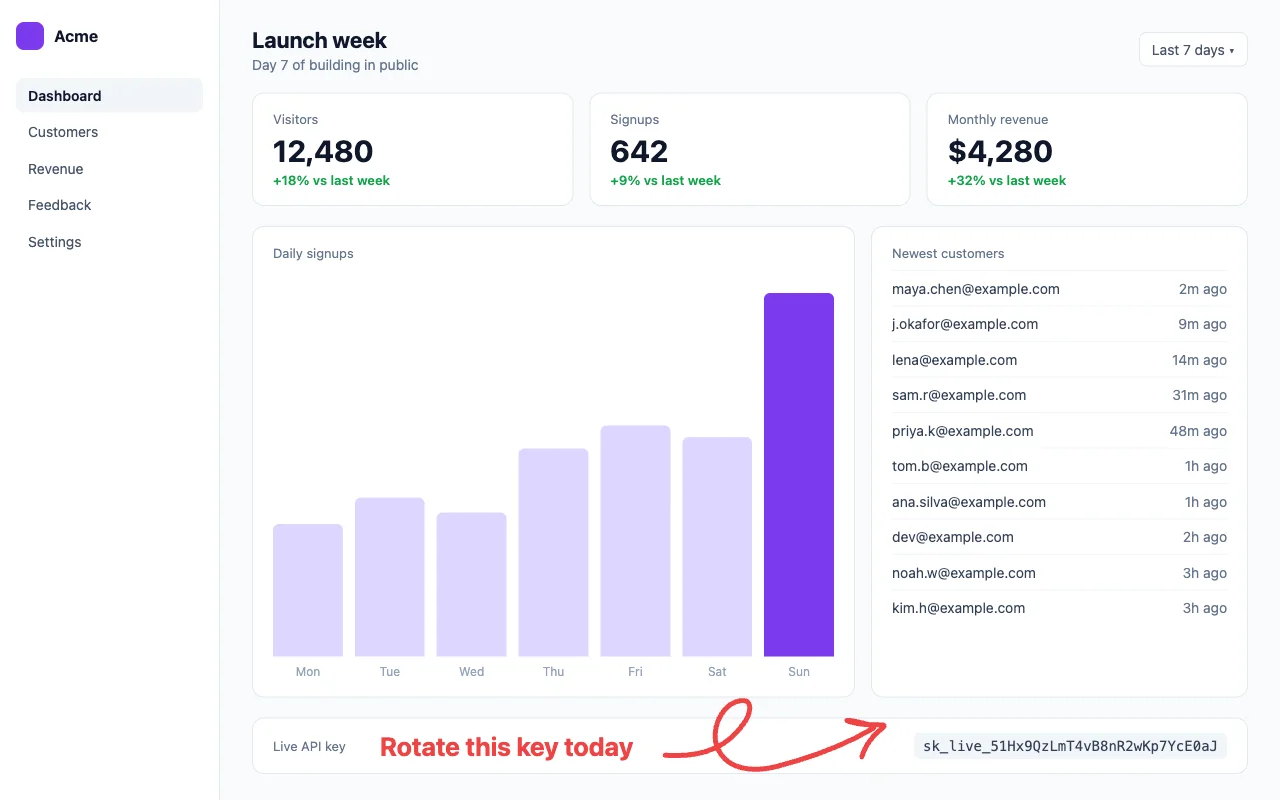
Add arrows to a screenshot
Ten hand-drawn arrows to point at anything.
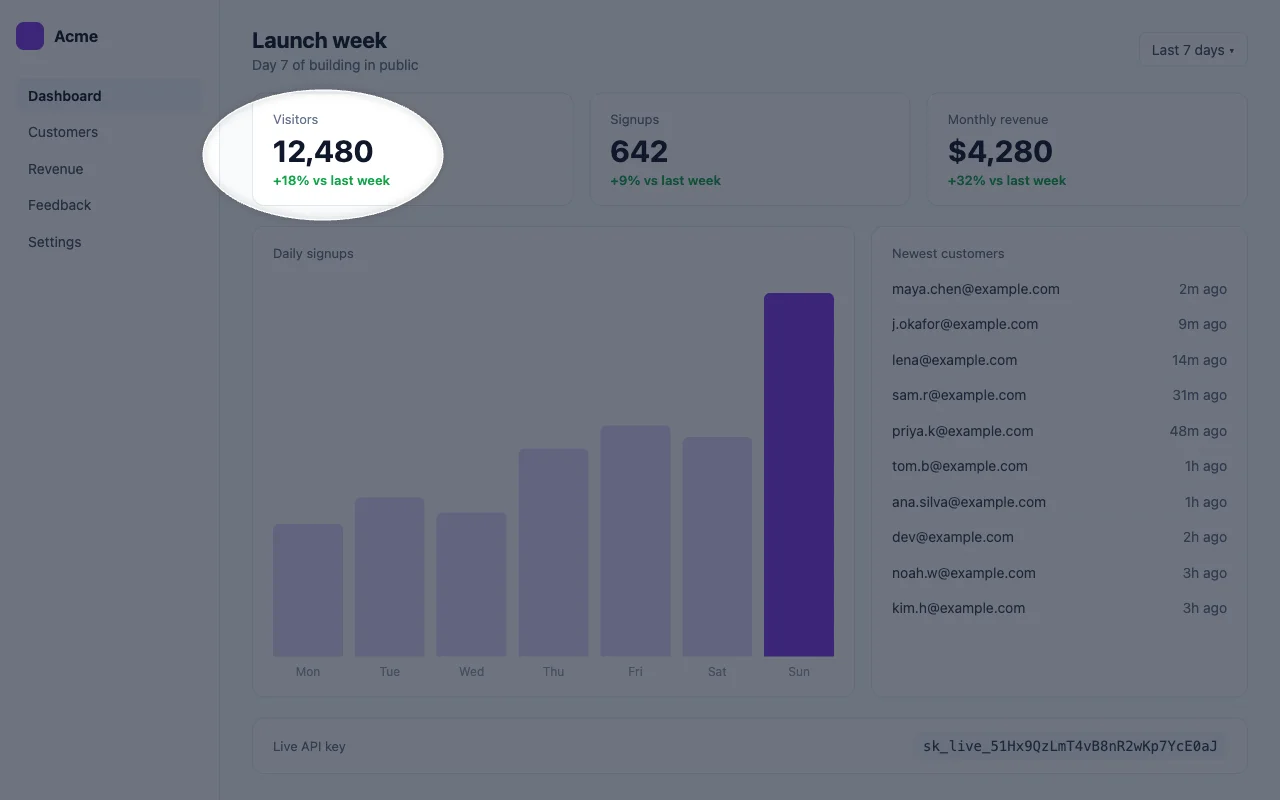
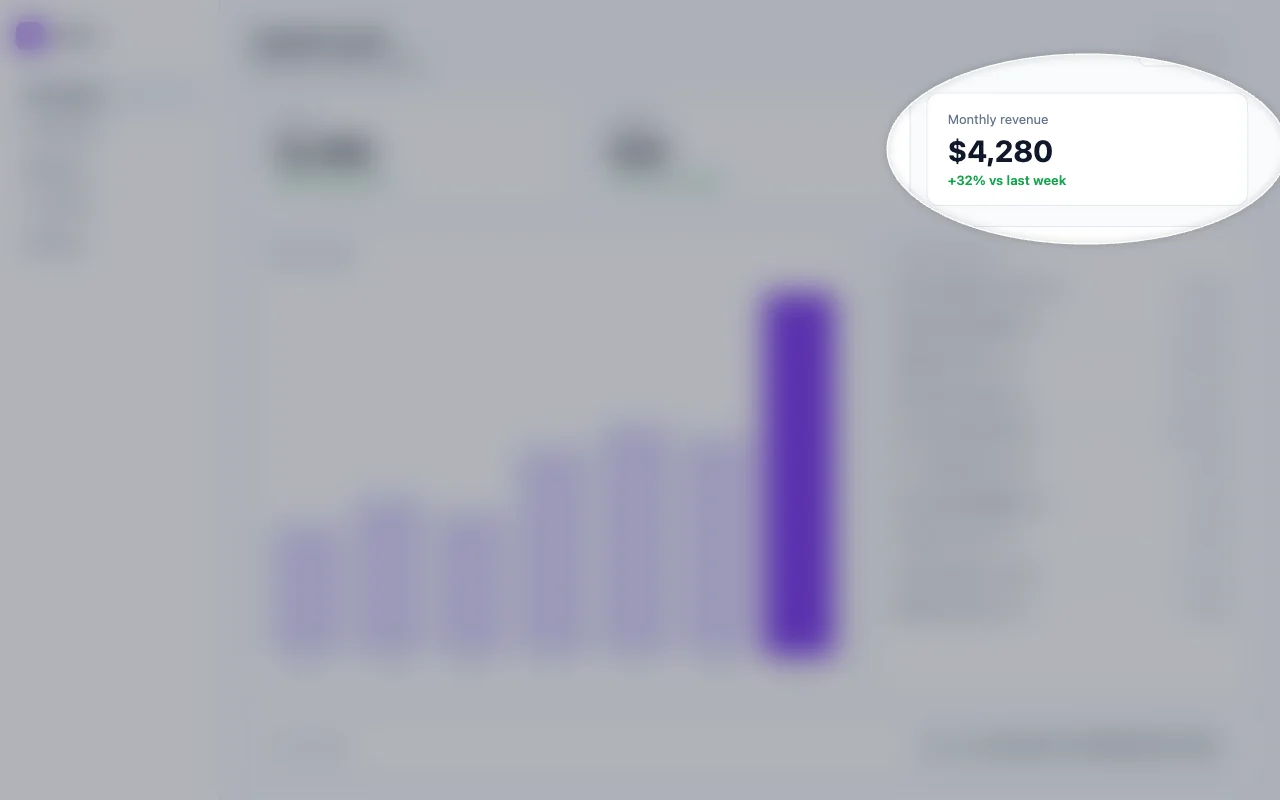
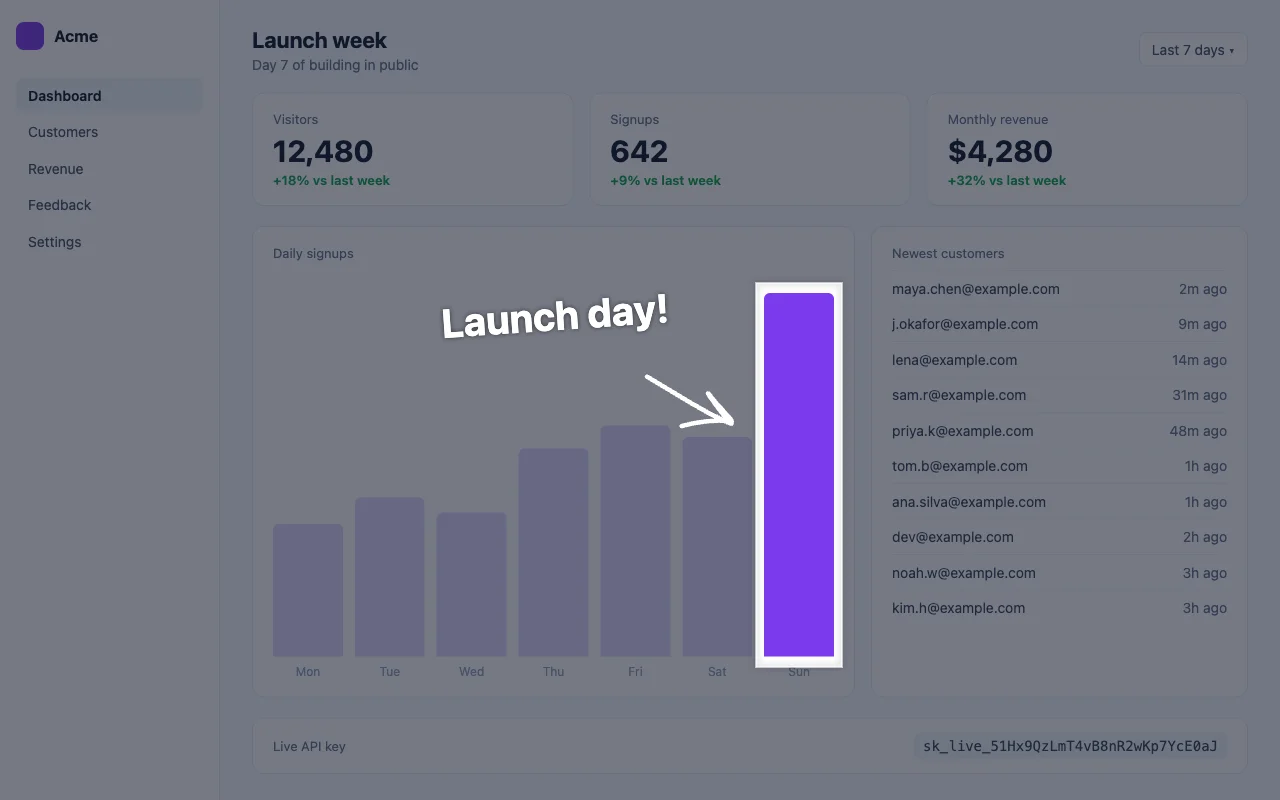
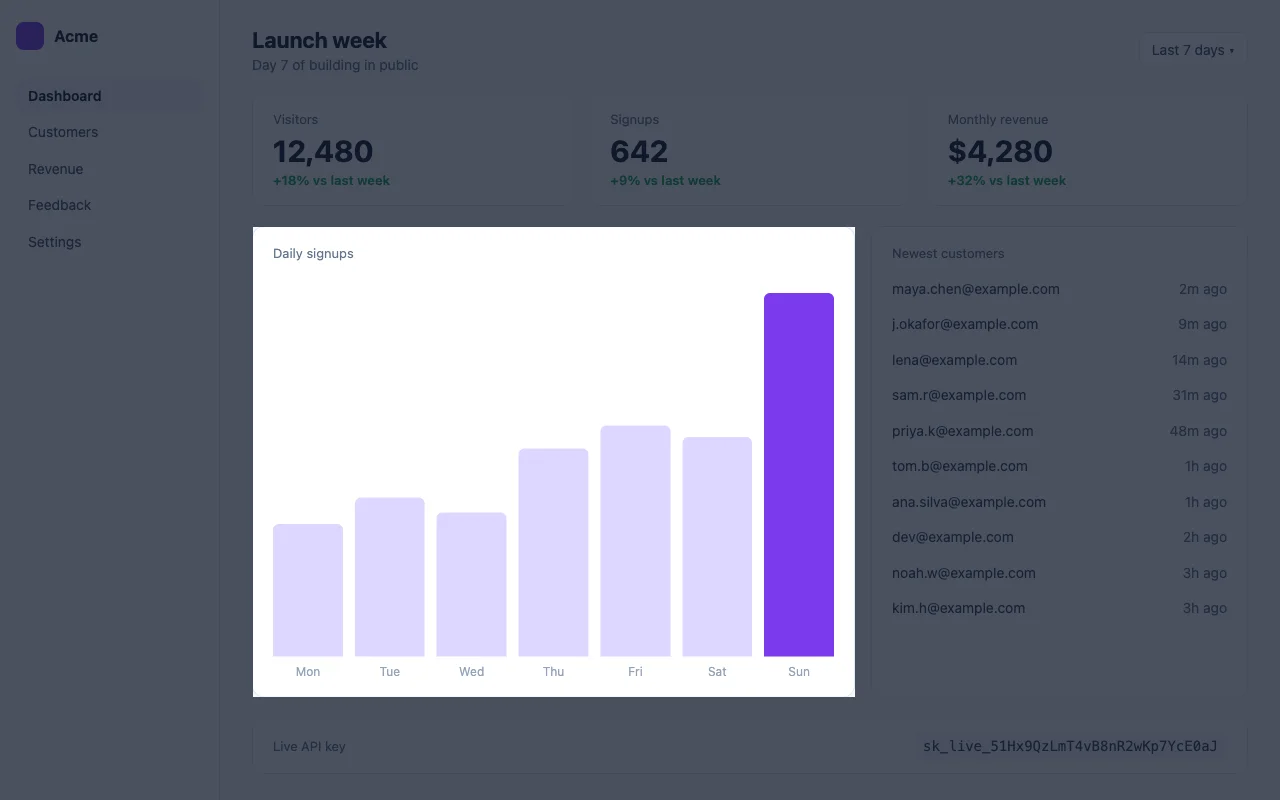
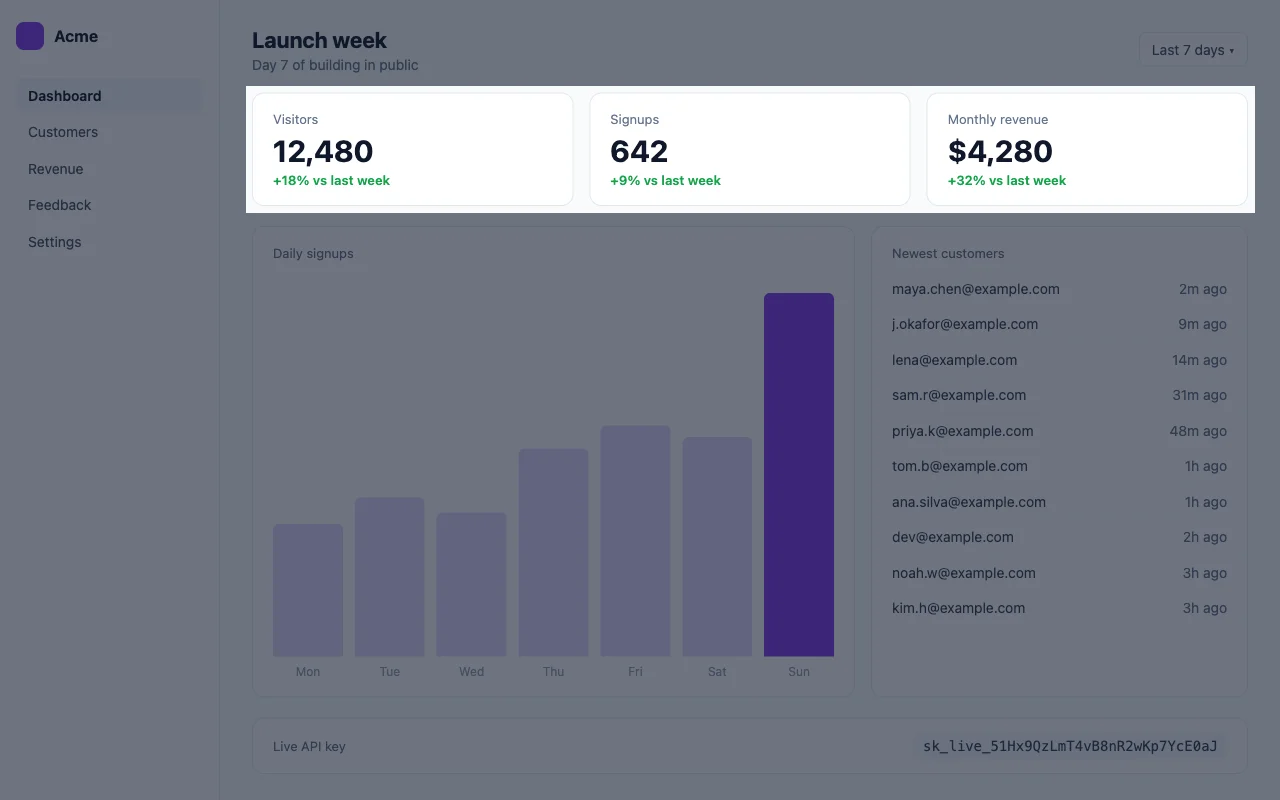
Highlight part of a screenshot
Spotlight the part that matters, dim the rest.
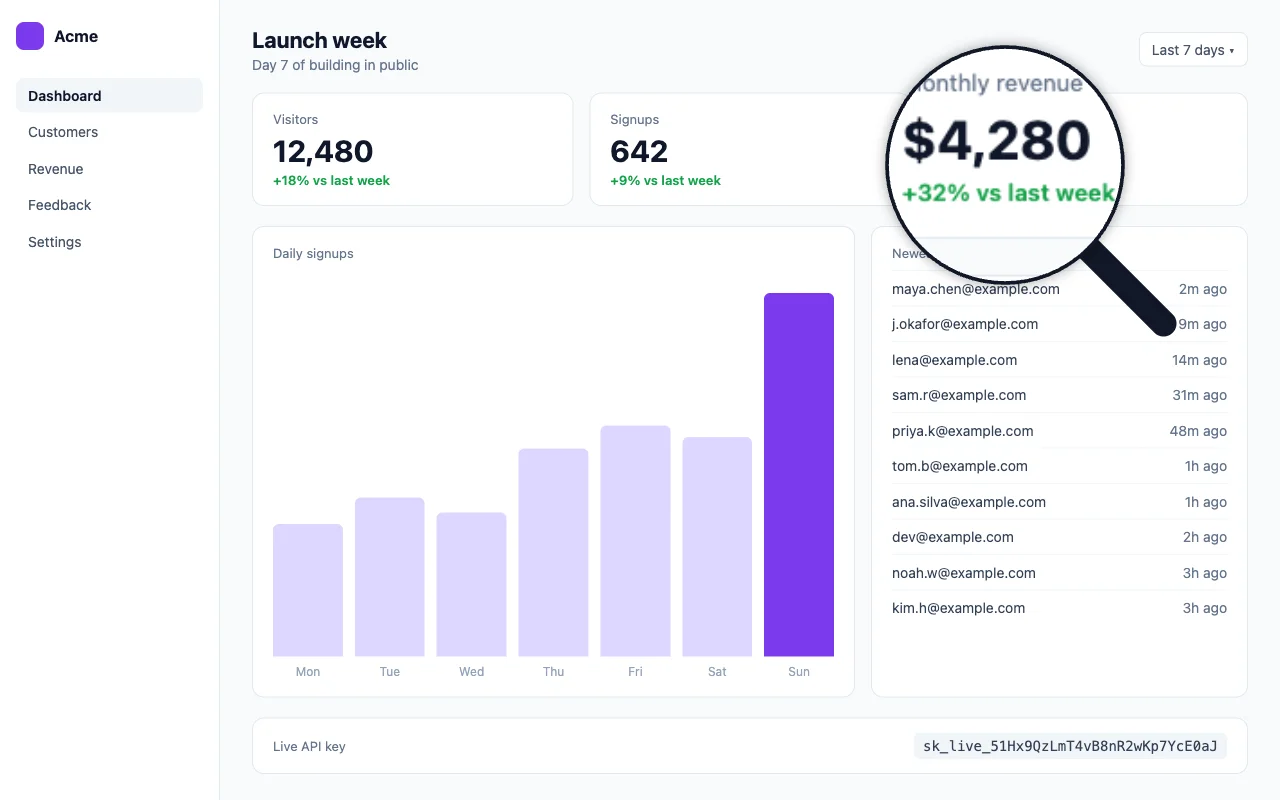
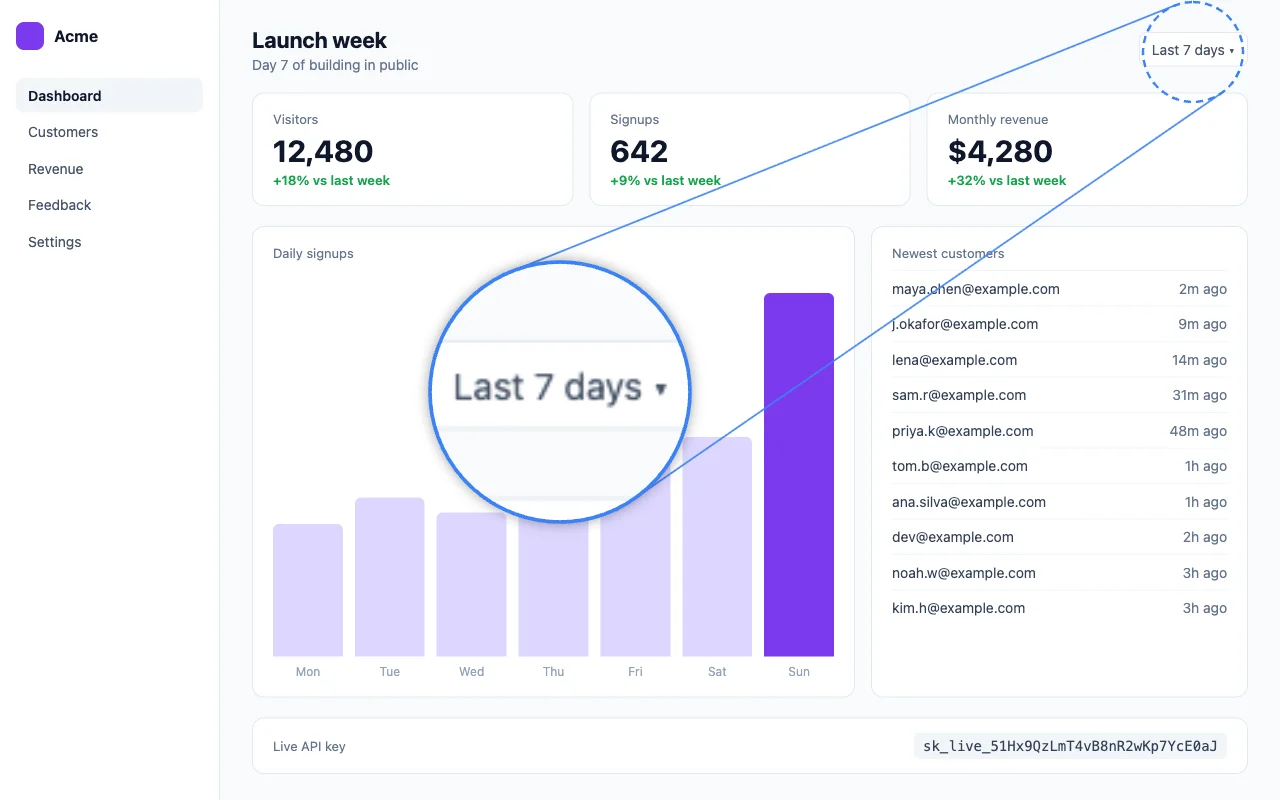
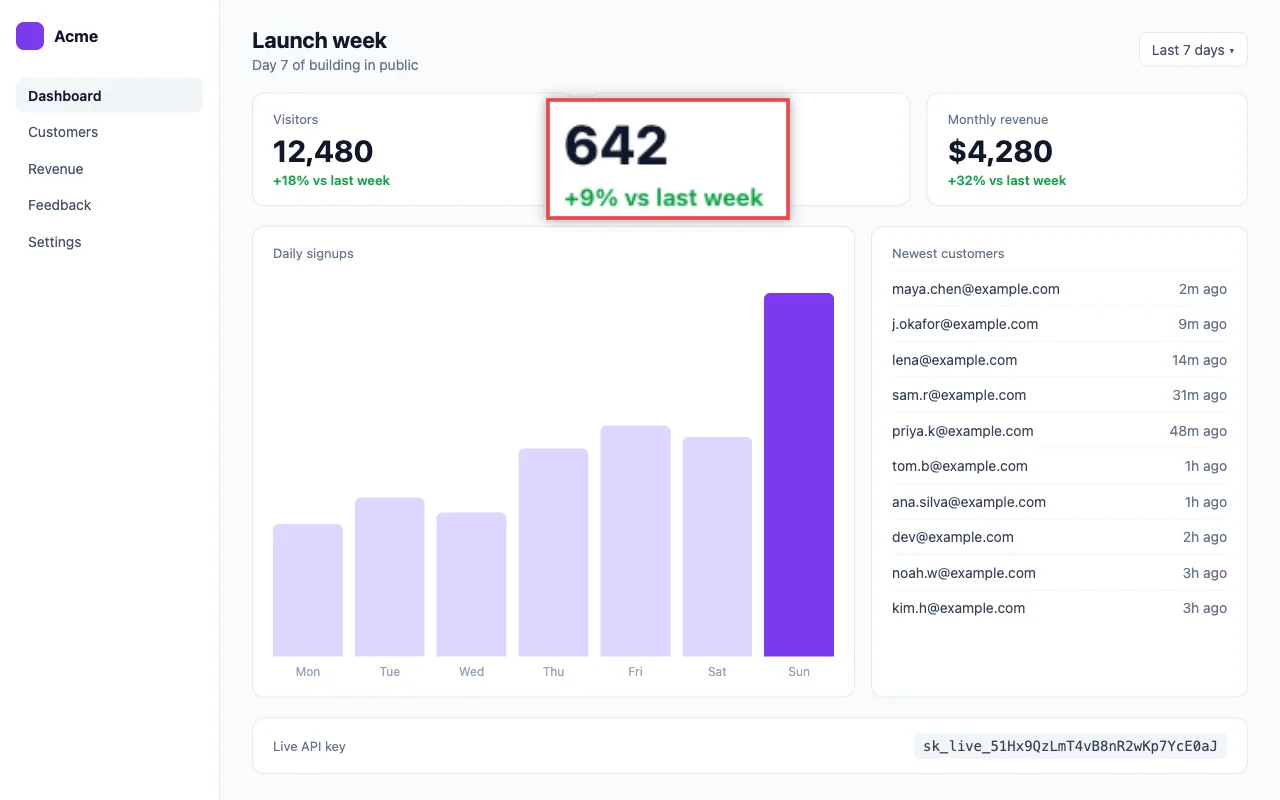
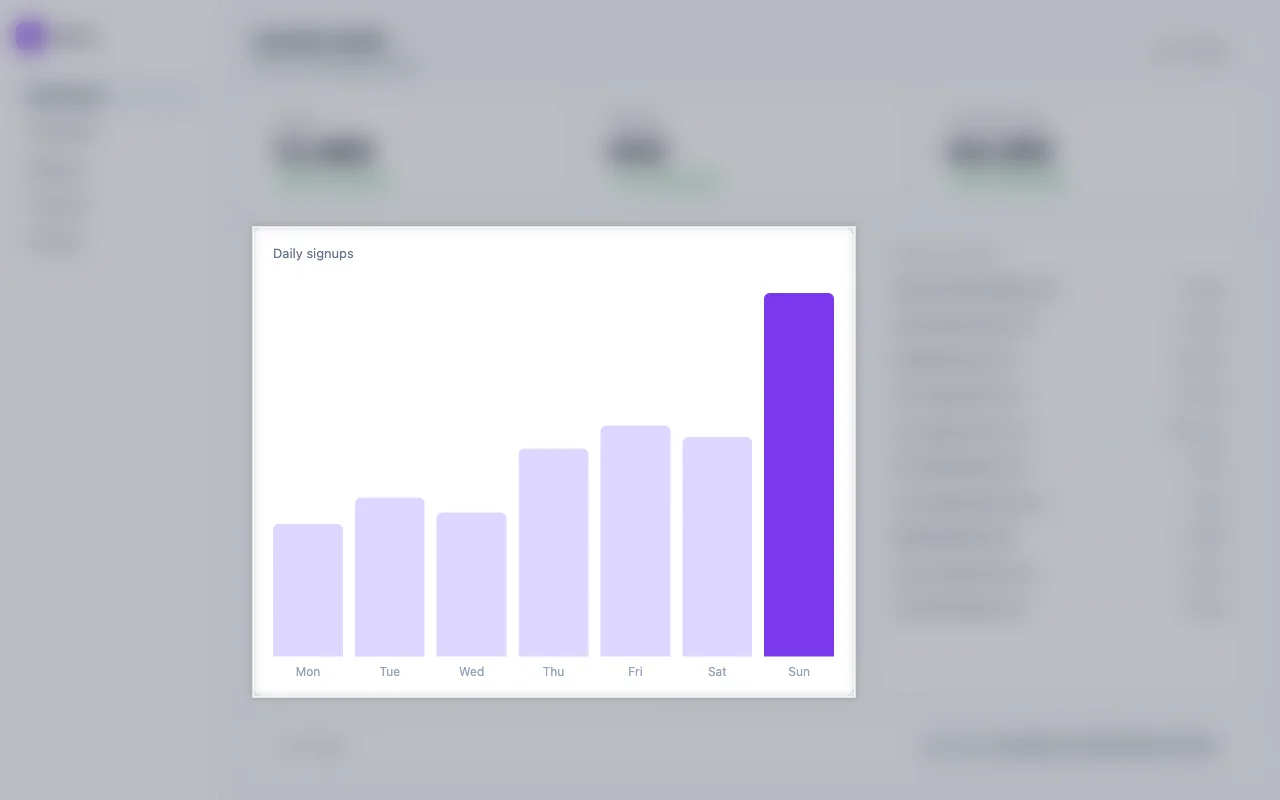
Zoom in on part of a screenshot
Magnify small details with a callout or glass.
Add text to a screenshot
Label anything, readable on any background.
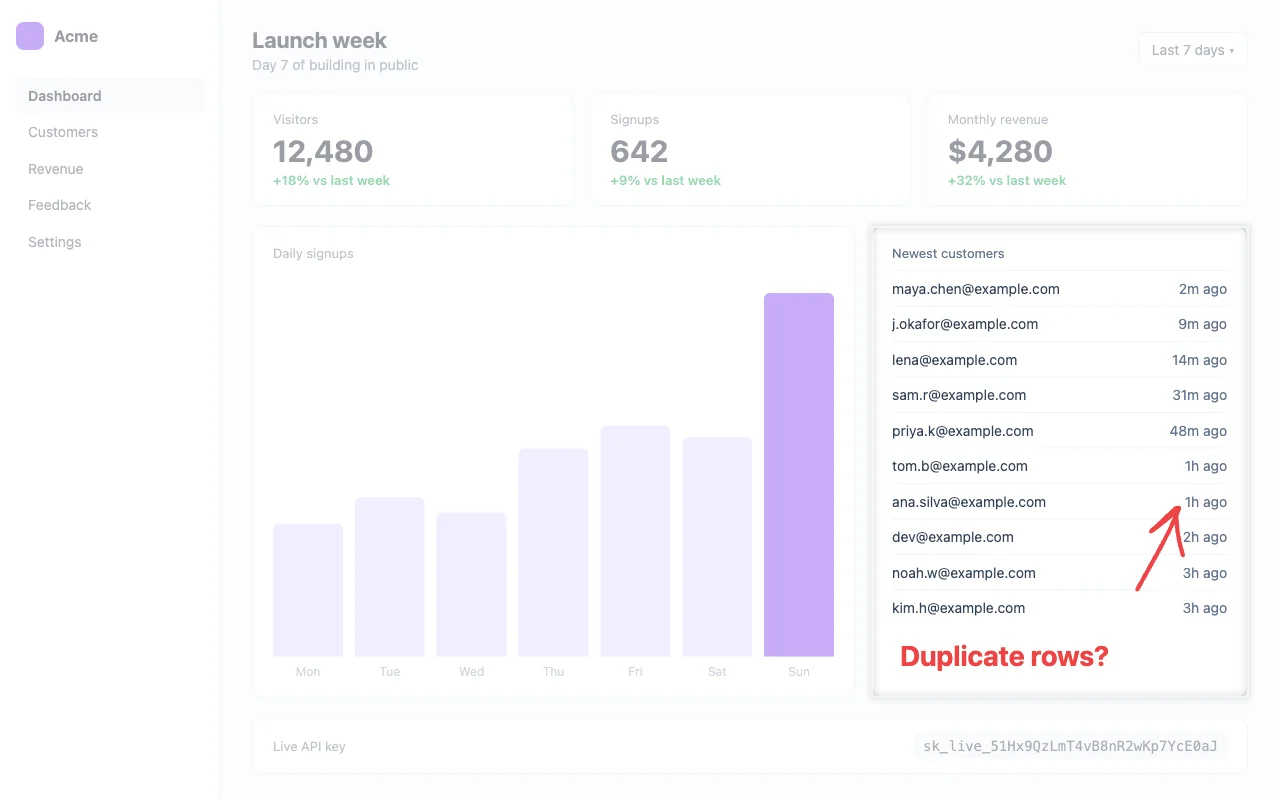
Redact a screenshot before you share it
Hide passwords, keys and personal info.
Private by design
Most online editors upload your image to a server. RioShot does all the work inside your browser, so screenshots of dashboards, revenue numbers and customer chats stay on your device. That also makes it fast: there is nothing to upload and nothing to wait for.
Questions
What is RioShot?+
A free screenshot editor for people who share their work online. Point things out with arrows, highlights, text and zoom, hide private details, then paste the result straight into your post.
Is my screenshot uploaded anywhere?+
No. RioShot edits the image inside your browser, on your own device. There is no server that receives or stores your picture.
What is the fastest way to use it?+
Take a screenshot, open rioshot.com and press Ctrl+V (Cmd+V on a Mac). Mark it up, press Copy image, and paste it into your post.
Which image types can I edit?+
Any image your browser can open, including PNG, JPG and WebP. You can drop a file, choose one, or paste a screenshot straight from your clipboard.
What format is the saved image?+
PNG at the original size. Very large images (over 8 MB as PNG) are saved as high quality JPG instead.
Is it really free?+
Yes, and it will stay free. There is no account, no watermark and no limit on how many images you edit. RioShot is supported by sponsors.